The short answer
Choose for the task first. Then check the complete installed space, the user experience and what is actually included in the quote.
1. Describe a typical session
Write down who will use the booth, what they will do and how long they expect to stay. A salesperson taking brief calls has a different brief from someone presenting on a laptop for an hour. Include whether users prefer to stand, perch or sit, and whether they need a separate screen.
For example, you might specify a single-person space for frequent ten-minute customer calls, with room for a laptop and easy access from the sales team. That is more useful than a brief asking for the “best soundproof booth”. If regular two-person conversations are the priority, begin with meeting pods instead.
2. Measure more than the footprint
A booth’s width and depth describe the product, not every bit of space it needs. Request an installation drawing showing the door swing, clearances and assembly requirements. Compare this with the room’s ceiling height, surrounding furniture and the route people use through the office.
Mark the proposed position on a floor plan and walk through the space. Can a colleague pass when the door is open? Will the booth interrupt a useful route? Can everyone who needs the space approach and use it? Include your facilities team before settling on a location.
3. Try the work, not just the seat
If you can arrange a demonstration, bring the equipment you normally use. Sit or stand as you would during a real call. Check the height of the work surface, room for your knees, where the camera sits and whether the lighting suits a video conversation. Listen to the ventilation with the door closed.
For regular screen-based work, include the pod in your workstation assessment. HSE guidance considers the equipment, furniture, work conditions, task and individual user together. Buying an office pod does not remove the need to assess how the complete setup will be used.
4. Compare evidence and configuration
Ask each supplier for a current specification for the exact model and version offered. Keep acoustic performance, electrical options, ventilation and furniture in separate rows of your comparison. Where a figure is missing, mark it as unconfirmed rather than filling the gap with a number from another model.
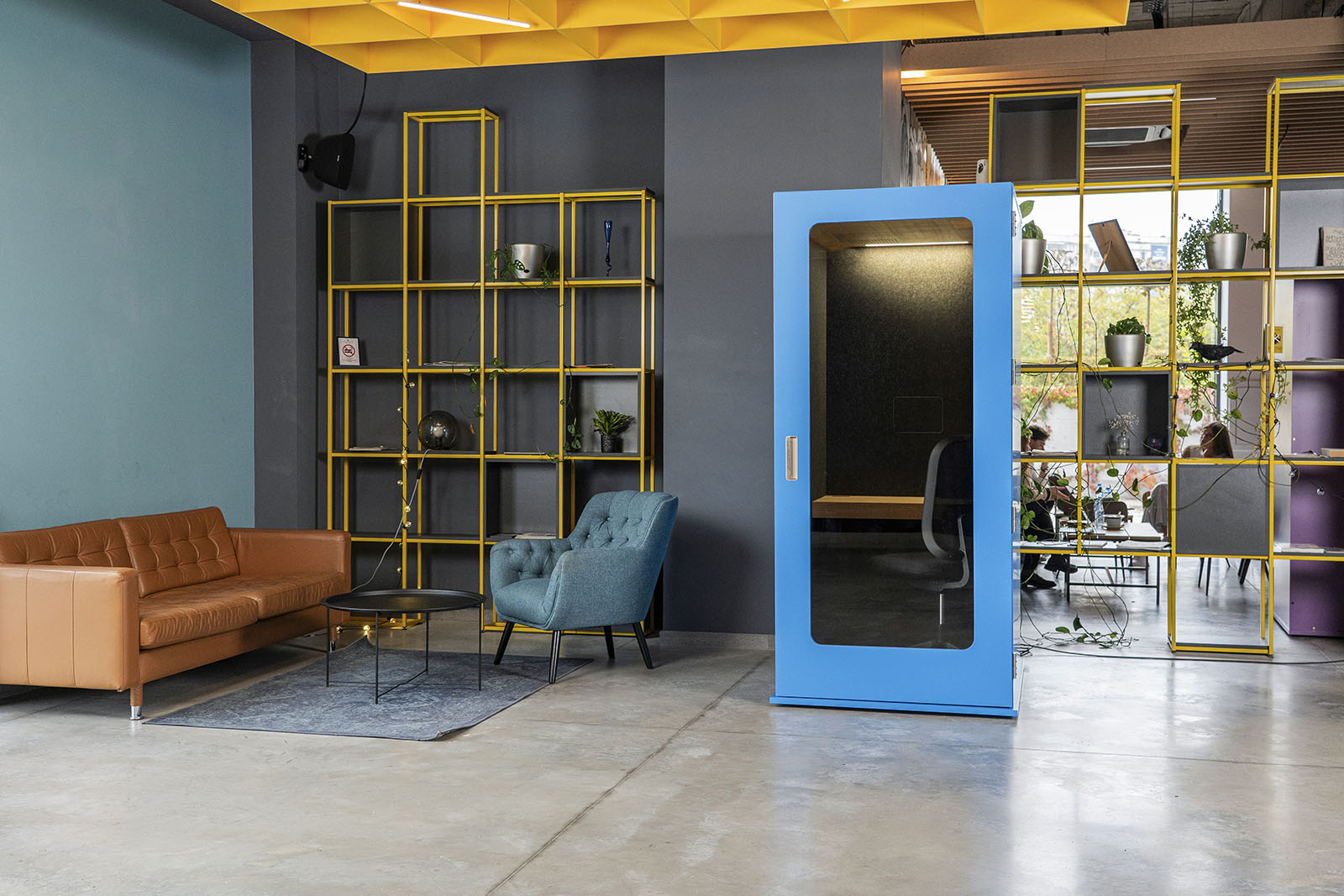
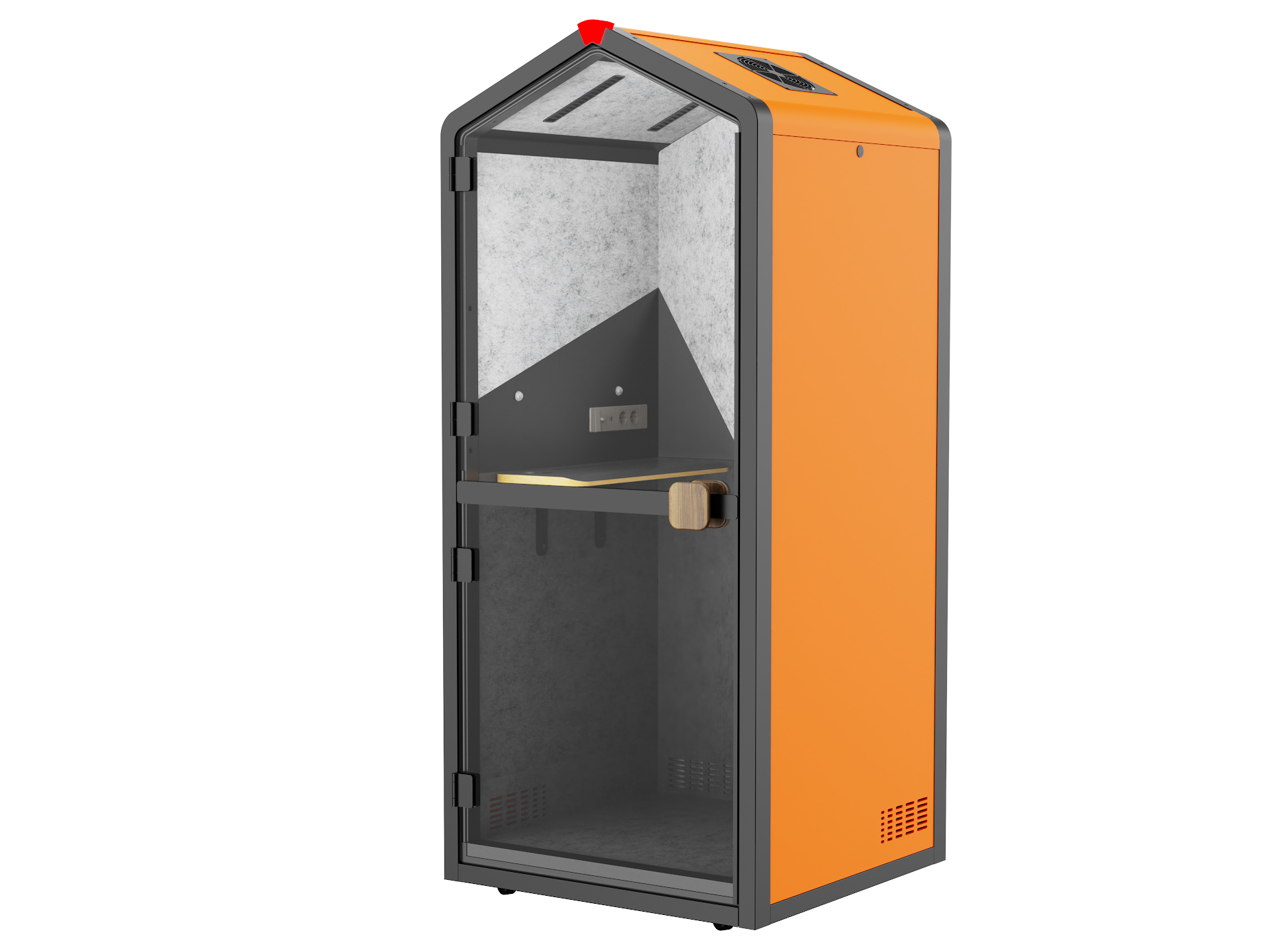
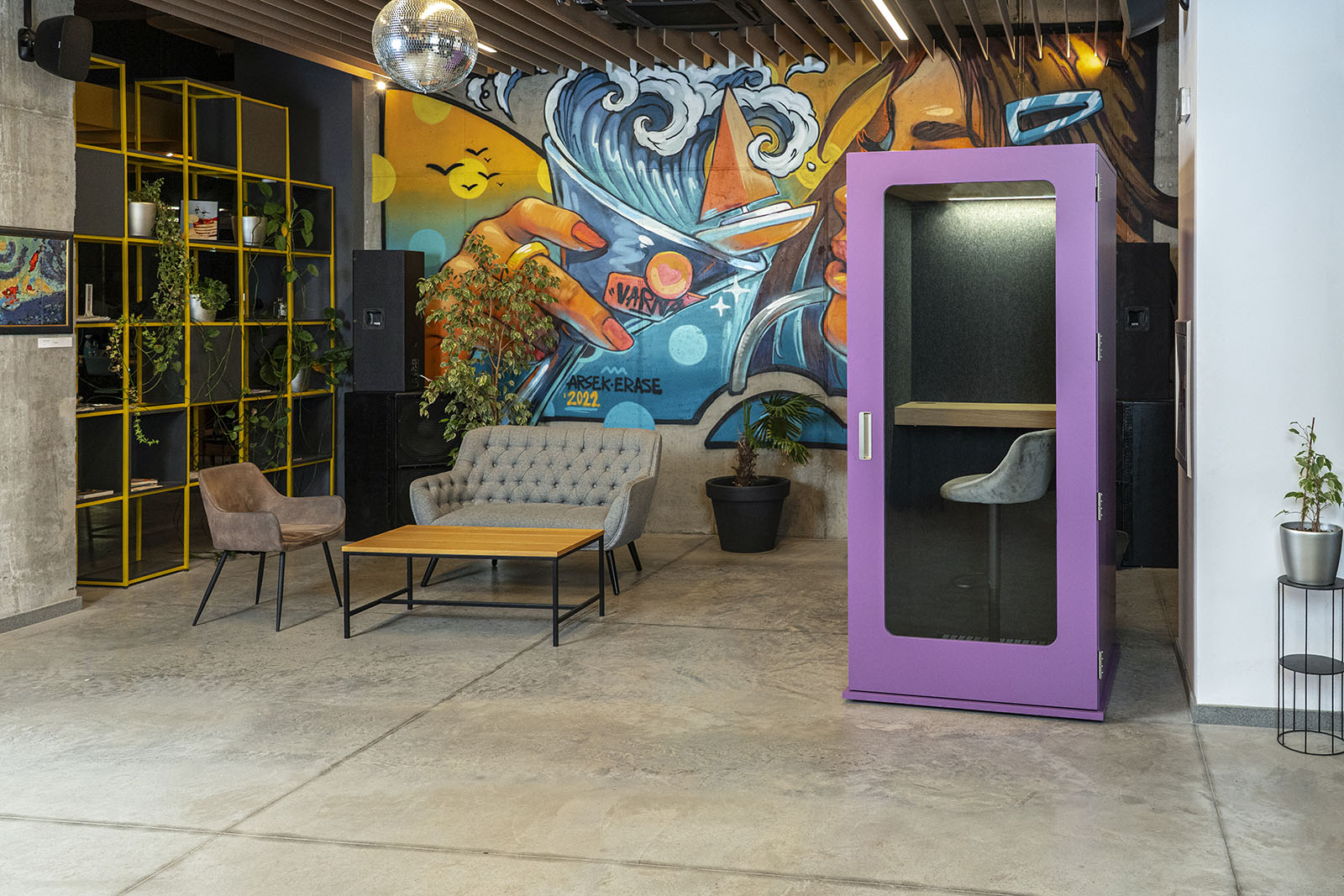
Treat photographs as a way to understand the design, not as a list of included equipment. A screen, chair or special finish may be an option. On this website, the MEAVO Workstation is an example of a focus pod with an optional conferencing package; confirm its contents when comparing a quote.
5. Compare the complete purchase
Use the same purchasing brief for every supplier. Ask for the booth, selected furniture, finish, delivery location, installation and VAT treatment to be itemised. Record the expected lead time and ask what happens if access at your building requires a different delivery arrangement.
Consider ownership as well as arrival. Ask who handles servicing, how replacement parts are obtained and what moving the booth would involve. A lower headline price is not a like-for-like saving if the quote leaves out something you need. Choose the option that meets your brief with the fewest important questions left unanswered.
- State the intended users, tasks and session length.
- Attach a floor plan and describe delivery access.
- List required equipment and finishes.
- Request an itemised quote and current technical documents.
Written by Office Acoustics Ltd. General buying and planning guidance, not a substitute for model-specific instructions or a site assessment. Confirm current specifications and local availability before ordering.